Mount the device
Pilot placement is selected on a stable indoor surface with the building and measurement objective in mind.
How it works
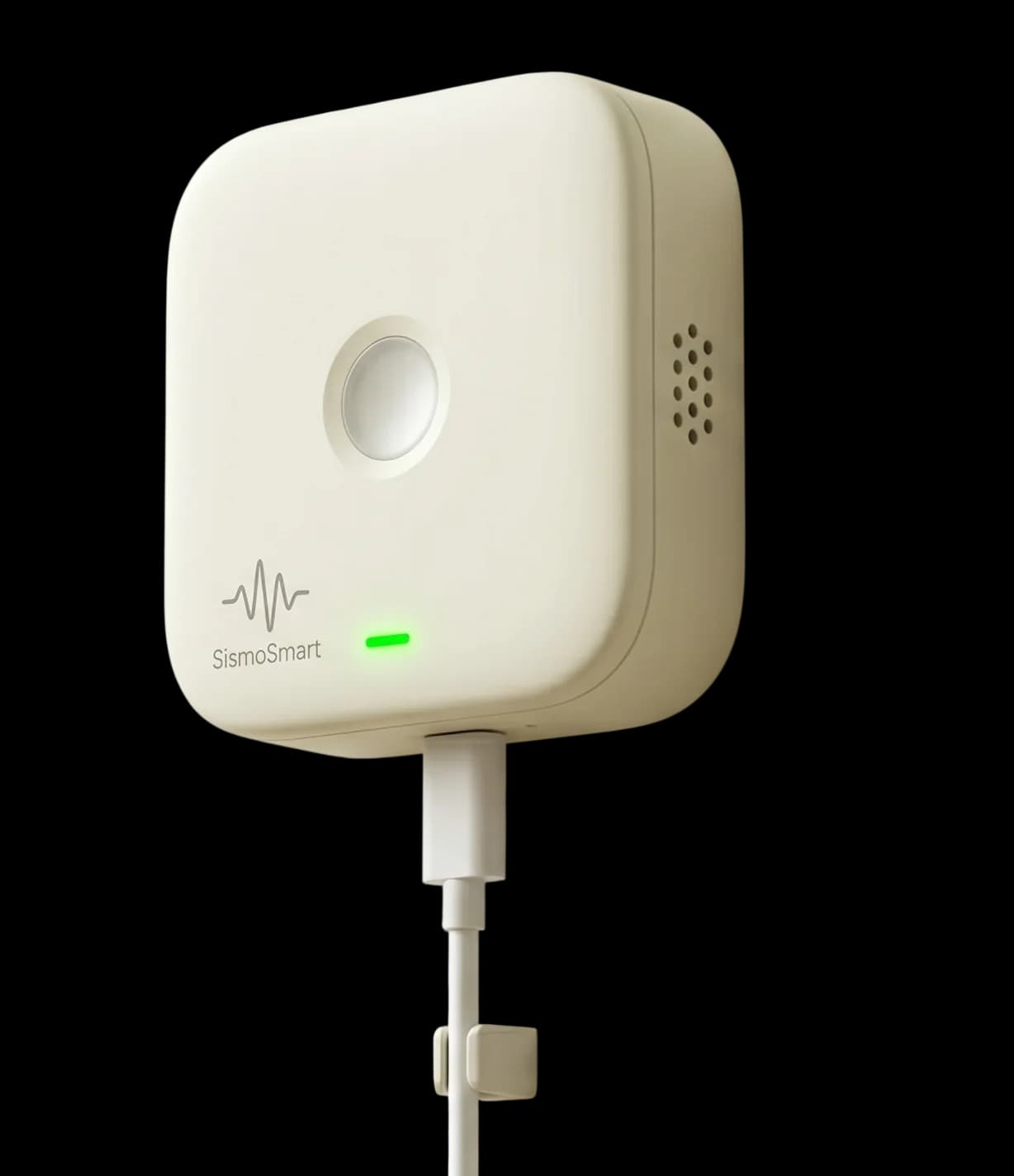
The current design has three parts: local sensing, a connected data path and an app/report layer. Detection, notification, cloud correlation and report behavior will be validated in pilots.
Setup
The setup is simple. The device does the heavy work after that.
Pilot placement is selected on a stable indoor surface with the building and measurement objective in mind.
Bluetooth and Wi-Fi setup are in the design; the production security flow will be settled after implementation review.
Pilot calibration is intended to record ordinary vibration and test whether unusual motion can be separated from everyday noise.
The design targets local event capture and a later app/report view. Notification timing and report completeness remain validation items.
Shaking
Fast local detection matters. So does the report after the shaking stops.
On-device detection is in the design. Thresholds, false positives, missed events and notification reliability need labelled pilot evidence.
A future report may summarize validated measured quantities for qualified review. It is not a safety determination.
The live website data flow is documented separately. Future device telemetry, retention and processing are defined before pilot collection begins.
Together
Nearby devices help confirm the same event and reduce false alarms.
Cross-device confirmation is still a goal. Its timing and effect on false alarms have not been shown with pilot evidence.
Changes in measured vibration characteristics may provide additional evidence to engineers; they are not a diagnosis.
We plan a short device/app status view. Final states and thresholds depend on validated behavior.